Shopware Migration Cost Guide
Migrating your eCommerce store to Shopware is an investment in an open-source platform with unlimited products, full customization, and no transaction fees. Unlike hosted platforms with monthly subscriptions, Shopware requires hosting but eliminates per-transaction costs. However, budgeting for this move can be tricky. This guide breaks down the real-world costs of migration, comparing DIY methods, agency contracts, and automated solutions like Shopware Migration Hub.
The Big Picture: What Influences Migration Costs?
Before pinning down a number, you must understand the variables that drive the price up or down. A store with 100 products and no custom code will cost significantly less to move than a store with 50,000 SKUs and complex B2B wholesale rules.
- Data Volume: The total number of Products, Customers, Orders, and Reviews.
- Data Complexity: Do you have simple products or complex variable products with multiple attributes (size, color, material)? Shopware supports flexible product variants, so complex variants can be fully migrated.
- SEO Requirements: Do you need 301 redirects for thousands of old URLs?
- Custom Functionality: Do you have subscriptions, bookings, or multi-vendor capabilities that need to be replicated using Shopware plugins?
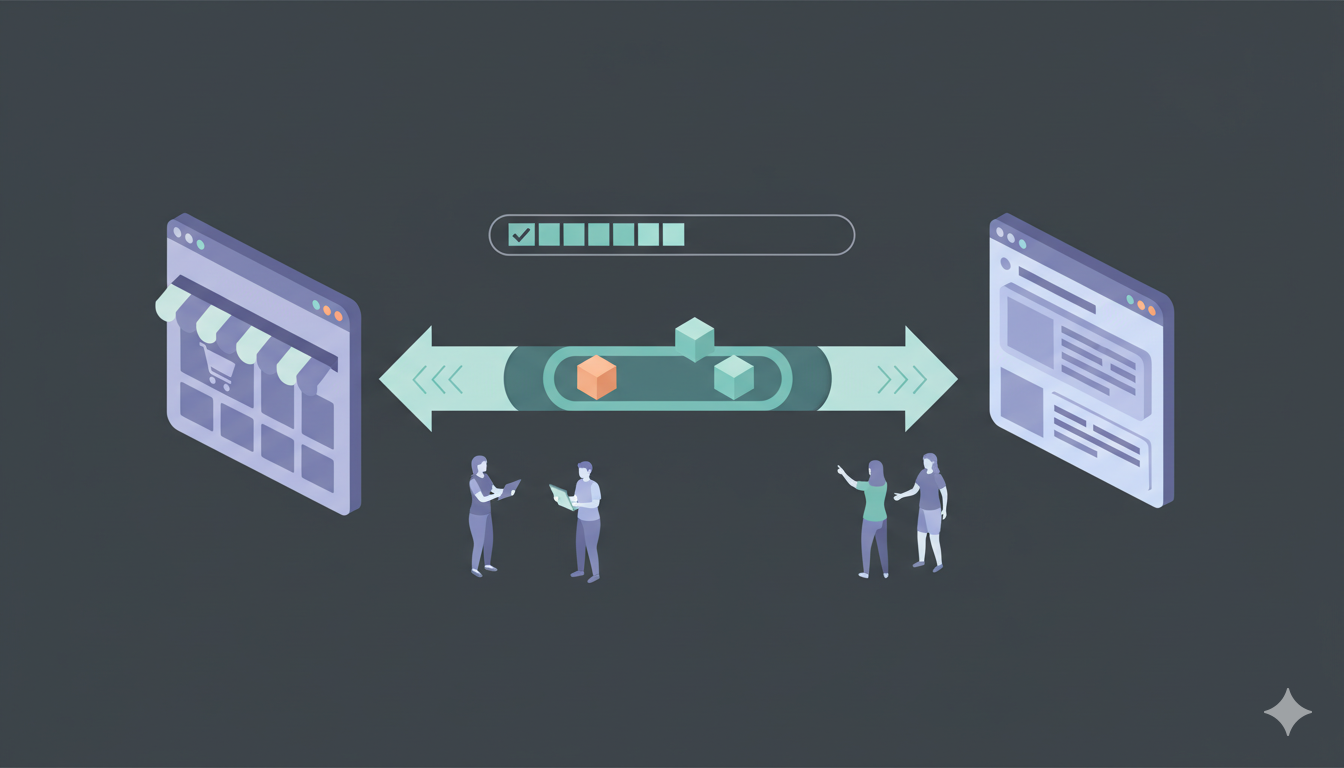
Comparing the 3 Migration Approaches
1. The "Free" Method: Manual / DIY
Estimated Cost: $0 USD
Estimated Time: 40–100+ Hours
This involves exporting CSV files from your current platform and attempting to import them into Shopware using Shopware's built-in import functionality. While technically free, the "hidden" cost is your time.
- Pros: Zero upfront financial cost.
- Cons: Extremely high risk of data loss. Images often fail to link, password history is lost (unless you manually handle password hashing), and product variants frequently break due to format mismatches with Shopware's entity structure. If you value your time at just $50/hour, a 40-hour DIY project actually costs you $2,000 in lost productivity.
2. The "White-Glove" Method: Hiring an Agency
Estimated Cost: $2,500 – $20,000+ USD
Estimated Time: 4–12 Weeks
Hiring a specialized agency means handing over the keys and waiting for the finished product. This usually includes design work alongside data transfer.
- Pros: Hands-off experience; they handle design and custom work.
- Cons: Very expensive and slow. Agencies often charge hourly rates ($100-$200/hr) for data entry tasks that automated tools can do in minutes. While Shopware has Store API support, most work requires Symfony and entity knowledge, which can be time-consuming.
3. The Automated Method: Shopware Migration Hub
Estimated Cost: $69 – $400 USD (Average)
Estimated Time: 1–5 Hours
Automated tools bridge the gap between DIY and Agency. Software connects to your source store API and your Shopware store (via migration plugin), transferring data securely in the background.
- Pros: The "Sweet Spot" of migration. It is fast, affordable, and accurate. You pay only for the data you move. Handles Symfony entity structure and image downloads automatically. Supports password migration with migration plugin.
- Cons: Doesn't migrate site design/theme (Shopware uses themes, not code-based designs), though this is often preferred as it allows for a fresh start with Shopware's theme system.
Cost Scenarios: Real-World Use Cases
To help you budget, here are three common scenarios based on 2025 pricing standards.
| Store Profile | Data Volume | Shopware Migration Hub Cost | Agency Cost |
|---|---|---|---|
| The Startup Converting a small Shopify or BigCommerce store to Shopware. |
100 Products 500 Customers 500 Orders |
~$69 - $89 | $1,500+ |
| The Established Brand Moving a scaling BigCommerce or Magento store. |
2,000 Products 10,000 Customers 15,000 Orders |
~$149 - $249 | $5,000+ |
| The Enterprise Large catalog migration with high historical data. |
10,000+ Products 50,000+ Customers 100,000+ Orders |
~$400 - $600 | $15,000+ |
Hidden Costs: The "Shopware Setup" Budget
While the data migration fee is a one-time cost, you must also budget for setting up the Shopware environment. These are the costs often overlooked by merchants.
1. Hosting ($5 - $50/month)
Shopware is self-hosted, so you need PHP hosting with MySQL database. Unlike hosted platforms, you pay for hosting instead of platform subscription fees.
- Shared Hosting: ~$5-15/month (suitable for small stores)
- VPS Hosting: ~$20-50/month (recommended for medium to large stores)
- Dedicated Server: $100+/month (for enterprise stores)
2. Domain ($10 - $20/year)
If you don't already own a domain, you'll need to purchase one. Most hosting providers offer domain registration, or you can use external registrars.
3. SSL Certificate ($0 - $100/year)
Most hosting providers offer free SSL certificates via Let's Encrypt. Premium SSL certificates cost $50-100/year but are usually not necessary for most stores.
4. Shopware Theme (Optional: $0 - $200 one-time)
Shopware offers free themes, but you may want to purchase a premium theme from the Shopware Community Store for better design options. Most themes are free, but premium ones can cost up to $200.
5. Essential Plugins ($0 - $500/year)
Shopware has a plugin marketplace with free and paid plugins. You may need paid plugins for specific functionality:
- SEO: Shopware has built-in SEO features (free), but you may want advanced SEO plugins.
- Email Marketing: Shopware has basic email functionality, but advanced features may require paid plugins.
- Analytics: Google Analytics integration is available via plugins.
- Custom Plugins: If you need custom functionality, you may need to hire a developer or use paid plugins.
6. Post-Migration Support ($0 - $300)
If you need help configuring your new store after the data is moved, you might hire a Shopware expert for a few hours. Alternatively, Shopware Migration Hub offers Support Packages where our experts help check results and ensure data accuracy, which is cheaper than hiring an external agency.
Conclusion: Calculating Your ROI
When you look at the total cost of ownership, migrating to Shopware can be cost-effective compared to hosted platforms. You eliminate transaction fees and monthly platform subscriptions, but you pay for hosting instead. For high-volume stores, this often results in significant savings.
The Bottom Line:
For most small to mid-sized businesses, the sweet spot is the Automated Migration. It costs a fraction of an agency fee but delivers professional-grade accuracy. By spending roughly $150–$300 on a data migration tool like Shopware Migration Hub, you save dozens of hours of manual labor, ensuring your business is up and running on Shopware in less than a day.
Want a precise cost estimate? Use our Pricing Estimator tool to enter your product and order counts and get an instant quote.