Cart2Cart Alternatives
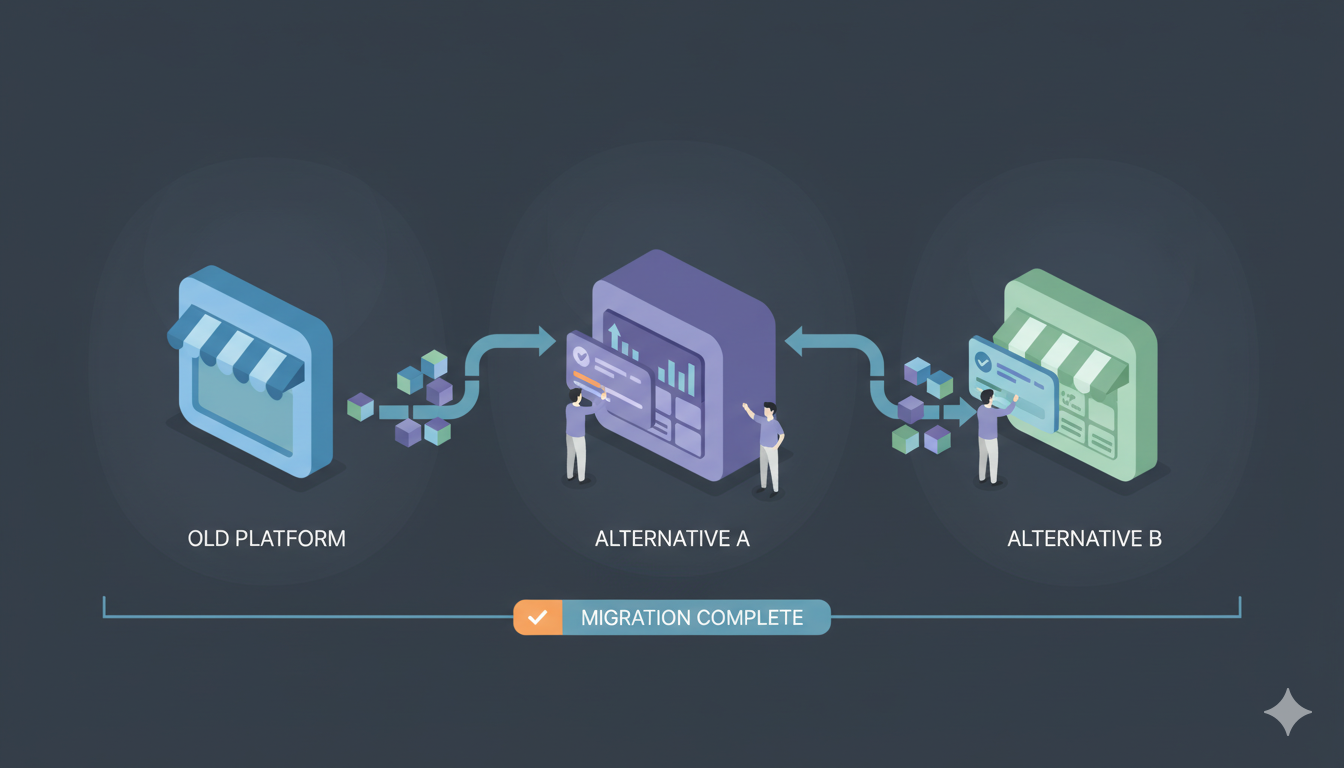
Cart2Cart has long been the "Coca-Cola" of the eCommerce migration world—ubiquitous, reliable, but increasingly expensive. As we move through 2025, smart merchants are realizing that paying $300+ for a standard migration often isn't necessary. Whether you need a cheaper automated service, a developer-friendly tool, or a specialized solution for Shopware, the market is now full of powerful alternatives that offer better value.
We have tested and analyzed the top competitors specifically for Shopware migrations to help you find the right tool for your specific needs. Here is the definitive guide to breaking free from the industry giant.
Quick Verdict: Which Alternative is Right for You?
- Best Overall Value: LitExtension (Similar service, lower cost, better support).
- Best Budget Automation: Next-Cart (Starts at ~$20, significantly cheaper).
- Best for Shopify Users: Matrixify (The gold standard for Shopify data handling).
- Best for Developers: Custom Migration Scripts (Complete control via Store API).
- Best Free Option: Shopware Admin import (Free but limited).
Category 1: Direct Competitors (Automated Services)
These services operate exactly like Cart2Cart. You connect your Source Store and Shopware via plugin or Store API, and their cloud servers handle the rest, including Shopware's Symfony entity structure. The main difference? Pricing and support quality.
1. LitExtension
The "All-in-One" Powerhouse
LitExtension is the primary rival to Cart2Cart. They have built their reputation on two things: transparency and the "All-in-One" package. While Cart2Cart charges you extra for every little add-on (like 301 redirects or preserving Order IDs), LitExtension often bundles these into a single price.
Why it beats Cart2Cart:
- Pricing Model: Starts around $59 - $79. Unlike Cart2Cart's complex estimator that creeps up as you add options, LitExtension's pricing is more predictable.
- Support: They are famous for their 24/7 support which is generally faster and more hands-on than Cart2Cart's tiered support system.
- Re-Migration: They offer a "Smart Update" feature that allows you to re-migrate data (to catch new orders) for free or a low cost within 3 months of your initial migration.
- Shopware Handling: Like Cart2Cart, they handle Shopware's Symfony entity structure and product variants automatically.
- Password Migration: Supports password migration for Shopware with plugin.
Best For: Merchants who want the safety of an automated service but refuse to pay Cart2Cart's premium add-on fees. Handles Shopware migrations well.
2. Next-Cart
The "Budget" Automated Solution
Next-Cart is a newer challenger that is aggressively undercutting the market. In 2025, they have become the go-to recommendation for smaller stores because their entry pricing is incredibly low compared to the giants.
Why it beats Cart2Cart:
- Insane Value: Migrations can start as low as $20 - $49 depending on entity count. This is a fraction of the cost of Cart2Cart.
- 100% Uptime: Like the others, it keeps your store live.
- Simple Interface: Their 3-step wizard is arguably even simpler than Cart2Cart's.
- Shopware Support: Handles Shopware migrations with Symfony entity structure and product variants.
- Password Migration: Supports password migration for Shopware with plugin.
Best For: Small to medium store owners (under 1,000 products) who want automation on a shoestring budget. Good for Shopware migrations.
Category 2: Platform-Specific Tools
Sometimes you don't need a "universal" tool; you just need one that is perfect for your specific platform combination.
3. Matrixify (formerly Excelify)
The Shopify Specialist
If you are moving to or from Shopify, Matrixify is widely considered superior to any general migration tool. It is a Shopify App that gives you "God Mode" over your data.
Why it beats Cart2Cart for Shopify:
- Granular Control: It allows you to export/import specific fields (like Metafields) that general tools often miss.
- Speed: Because it is native to Shopify, it can process thousands of items per minute without timing out.
- Cost: It has a generous free tier (10 items) and a $20/month plan that covers most standard migrations. You can subscribe for one month, do your migration, and cancel.
- Shopware Export: Can export Shopify data in Shopware-compatible format for import via plugin or Store API.
Best For: Anyone migrating from Shopify to Shopware. Export from Shopify, then import to Shopware using automated service or plugin.
Category 3: Developer Tools (Maximum Control)
4. Custom Migration Scripts
The "DIY" Professional Tool
Since Shopware uses Symfony architecture and Store API, you can create custom scripts (PHP, Python, Node.js, etc.) to transform your source data into Shopware's database structure or use the Store API for import. This gives you complete control but requires technical expertise.
Why it beats Cart2Cart:
- One-Time Cost: For ~$2,500-$10,000 (developer time), you own the solution forever. Great for agencies migrating multiple clients.
- Data Transformation: You can modify data on the fly. Want to increase all prices by 20% during migration? Want to rewrite category names? You can do that with custom logic.
- No Black Box: You see exactly what data is going where.
- Shopware Structure: You can structure data exactly to Shopware's entity schema and handle product variants as needed.
- Store API Access: Can use Shopware's Store API for programmatic import.
Best For: Agencies and developers who are comfortable with Symfony architecture, PHP, and Store APIs and want total control. Must account for Shopware's database structure and product variants.
The "Free" Alternative: Shopware Admin import
Is it possible to migrate for free? Yes, but there is a catch.
5. Shopware Admin CSV Import
The Free (But Limited) Option
Shopware comes with a built-in CSV Product Importer in the admin panel. Most platforms (BigCommerce, Volusion, Squarespace) allow you to export products to CSV.
- The Process: Export from Source → Open in Excel → Rename columns to match Shopware format → Structure data for Symfony architecture → Import to Shopware.
- The Risk: You will likely lose your images (unless you manually upload them), your product variants will break if not structured correctly, and you cannot migrate customer passwords, customers, or orders this way.
- Verdict: Only do this if you have fewer than 100 simple products with no options and no order history to save.
Comparison Table: 2025 Pricing & Features for Shopware
| Service | Starting Price | Pricing Model | Shopware Symfony | Password Migration | Best Feature |
|---|---|---|---|---|---|
| Cart2Cart | $69+ | Pay per Entity + Add-ons | ✅ Automatic | ✅ Supported | Industry reliability |
| LitExtension | $59+ | Pay per Entity (Bundled) | ✅ Automatic | ✅ Supported | Excellent Support |
| Next-Cart | $20+ | Pay per Entity | ✅ Automatic | ✅ Supported | Lowest Price |
| Matrixify | $20/mo | Subscription (Cancel anytime) | ⚠️ Manual (Export only) | ❌ Not supported | Shopify deep integration |
| Custom Scripts | ~$2,500+ | One-time Development | ⚠️ Manual (You code it) | ⚠️ Possible (You code it) | Unlimited customization |
| Shopware CSV Import | Free | Included with Shopware | ❌ Manual formatting | ❌ Not supported | Free but limited |
Important Shopware-Specific Considerations
1. Password Migration
Good News: Shopware DOES support password migration with the plugin. Automated tools (Cart2Cart, LitExtension, Next-Cart) can migrate customer passwords, preserving customer access. This is a significant advantage over hosted platforms that don't support password migration. Plan for a smooth customer transition.
2. Unlimited Product Options
Shopware supports unlimited product variants per product. Automated tools preserve complex option structures automatically. Manual CSV imports and custom scripts must account for this structure.
3. Symfony Architecture Structure
Shopware's Symfony architecture has specific table structures and relationships. Automated tools handle this automatically. Manual imports and custom scripts must structure data exactly to Shopware's database schema.
4. Categories vs Collections
Shopware uses "Categories" terminology (not "Collections"). Automated tools map categories correctly. Manual imports require you to use Shopware's terminology.
5. Plugin Requirement
Most automated tools require installing a plugin on your Shopware server. This is a small, secure file that provides access to Shopware's Symfony architecture and Store API. If you cannot install plugins, you'll be limited to manual CSV imports.
In 2025, you do not have to pay the "market leader tax."
If you want a smooth, automated experience that rivals Cart2Cart but costs less, LitExtension is the safe bet. If you are on a tight budget, Next-Cart is an incredible value. And if you are a developer looking to build a migration business, Custom Migration Scripts give you total control (but you must handle Shopware's Symfony entity structure yourself).
Recommendation: Before committing to any paid service, always run their Free Demo Migration. If the demo fails or misses images, walk away. If it works and handles Shopware's Symfony entity structure correctly, you can pay with confidence.